
There's a particular kind of confusion that crosses a Gen Z face when they watch a parent or grandparent print out a boarding pass, or call a company instead of checking its app. It's not judgment, exactly. It's more like watching someone use a rotary phone: functional, sure, but why bother when there's an easier way sitting right there.
These generational tech gaps aren't really about intelligence or capability. They're about which decade shaped your default assumptions about how technology should work, and once those defaults form, they tend to stick around for decades.
1. Printing out digital documents "just in case"
1. Printing out digital documents "just in case" (Image Credits: Unsplash)
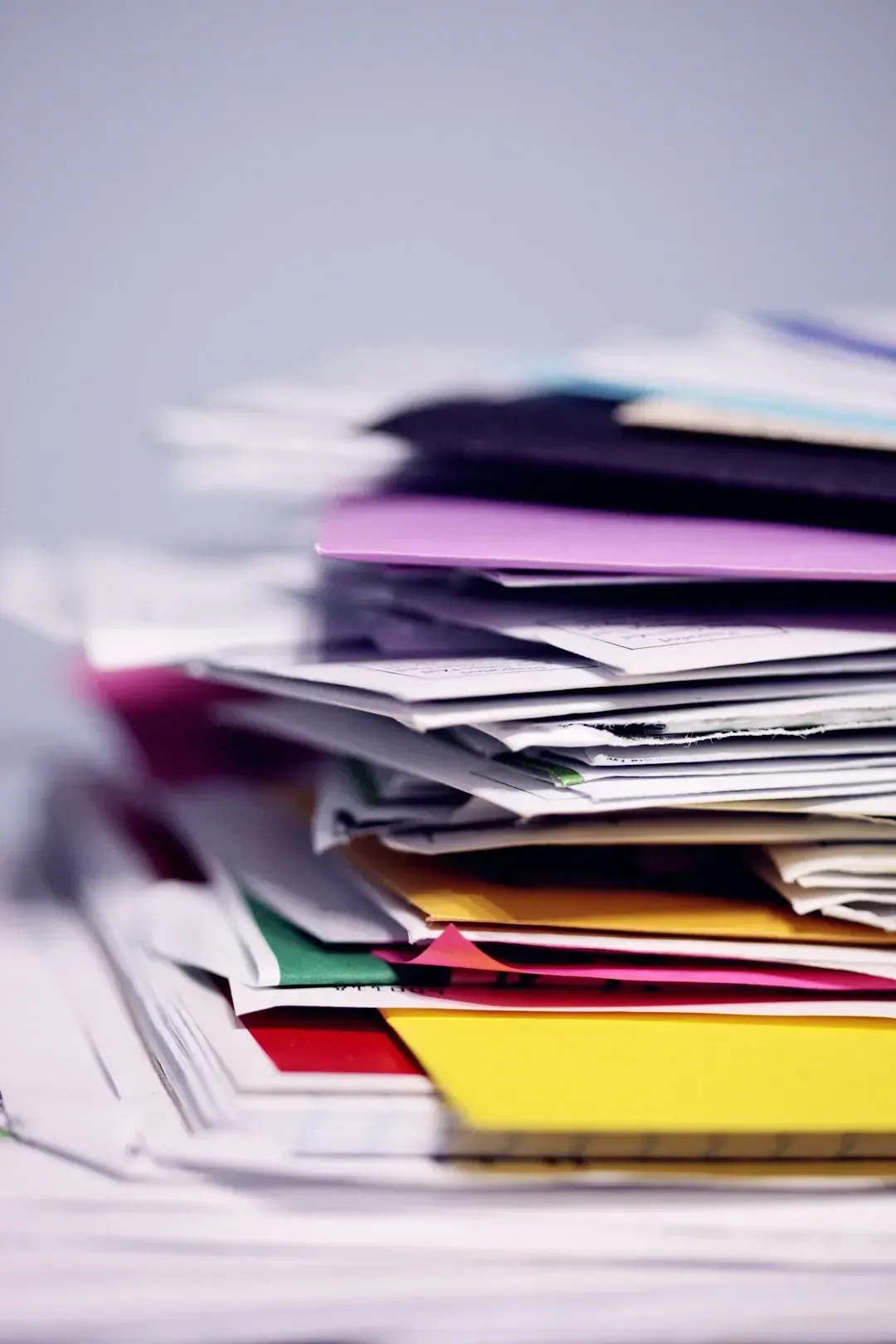
Many boomers still print boarding passes, hotel confirmations, and even email receipts, treating paper as the trustworthy backup to anything living only on a screen. This habit traces back to decades when digital systems were less reliable and losing a file meant losing it for good, so paper became the insurance policy nobody wanted to skip.
Gen Z, raised on cloud storage and redundant backups, often finds this baffling since their phone already holds the QR code, the confirmation number, and the ability to redownload anything instantly. To them, a stack of printed pages feels less like security and more like clutter waiting to be misplaced.
2. Calling customer service instead of using an app or chatbot

2. Calling customer service instead of using an app or chatbot (Image Credits: Pexels)
When something goes wrong with a bill or a delivery, a lot of boomers reach for the phone and wait on hold, sometimes for over half an hour, rather than opening a company’s app or live chat. For them, talking to an actual person still feels like the most reliable way to confirm a problem is truly being handled.
Younger users, who grew up with instant messaging and self-service portals, see phone calls as needlessly slow. A chatbot or app ticket can often resolve the same issue in minutes, and Gen Z would rather text an issue than sit through hold music and a scripted greeting.
3. Keeping a physical address book or paper calendar
3. Keeping a physical address book or paper calendar (Image Credits: Pexels)
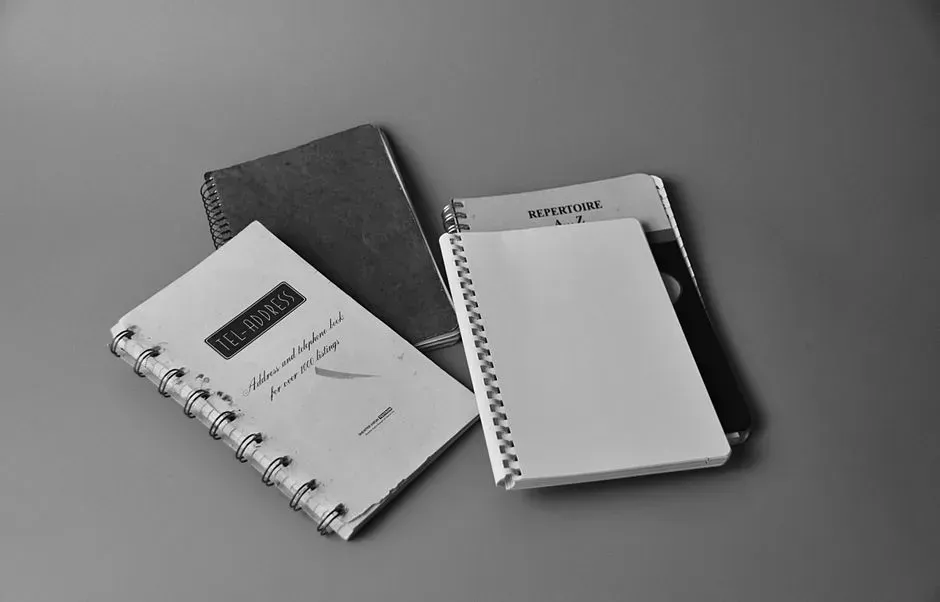
Plenty of boomers still maintain a handwritten address book or a wall calendar next to the fridge, even though their phone can technically do both jobs. There’s a tactile trust in paper for this generation, something about writing a number down that makes it feel more permanent than a contact saved in a cloud account.
For Gen Z, who sync everything across devices automatically, the idea of manually copying a phone number onto paper seems like extra work with no real payoff. If a phone breaks or gets lost, their contacts and events are already backed up elsewhere, so the paper backup feels unnecessary.
4. Forwarding chain emails and unverified warnings
4. Forwarding chain emails and unverified warnings (Image Credits: Pexels)
Chain emails warning about fake lottery wins, computer viruses, or urgent bank alerts still circulate widely among older users, often forwarded with a note like “just to be safe.” This habit formed in an internet era before spam filters were sophisticated, when forwarding a warning felt like a reasonable way to help family members avoid scams.
Younger users, more accustomed to spotting phishing attempts and verifying claims with a quick search, often see these forwarded emails as outdated noise rather than useful warnings. The instinct to share widely before verifying is exactly the kind of behavior that digital literacy education now actively discourages.
5. Typing full URLs into a search bar instead of using it as a search engine

5. Typing full URLs into a search bar instead of using it as a search engine (Image Credits: Pexels)
Some boomers still type out full web addresses character by character, even when a quick keyword search would get them to the same page faster. This comes from an era when browsers and search engines were separate tools, and typing a URL directly was simply the standard way to reach a website.
Gen Z treats the address bar and search bar as the same thing, typing loose phrases and trusting autocomplete and search algorithms to sort out the rest. Watching someone carefully type “www dot” before a website name can feel like watching a small time capsule from the early internet.
6. Taking photos of the screen instead of using screenshot tools

6. Taking photos of the screen instead of using screenshot tools (Image Credits: Unsplash)
It’s a familiar sight: a boomer holding up their phone to photograph a laptop screen, or photographing a text message instead of simply screenshotting it. This habit often stems from unfamiliarity with keyboard shortcuts or device-specific gestures that younger users learn almost automatically through daily device use.
For Gen Z, screenshotting is second nature, built into the muscle memory of scrolling through social media and saving information constantly. The blurry, reflection-filled photo of a screen, versus a clean digital screenshot, has become something of a running joke across generational tech comparisons online.
7. Refusing to save passwords in a password manager

7. Refusing to save passwords in a password manager (Image Credits: Unsplash)
Many boomers prefer writing passwords down on paper or reusing the same one across multiple accounts rather than trusting a password manager to store and generate them. Surveys on password habits have repeatedly shown that older users are less likely to adopt password managers, often citing distrust of storing sensitive information digitally.
Gen Z, more comfortable with cloud-based security tools and biometric logins, tends to see password managers as an obvious convenience rather than a risk. The generational gap here also reflects differing comfort levels with trusting third-party companies to hold sensitive personal data securely.
8. Keeping unused apps and files "just in case they're needed later"
8. Keeping unused apps and files "just in case they're needed later" (New Range Rover Evoque Autobiography, <a href="https://commons.wikimedia.org/w/index.php?curid=32374383" target="_blank" rel="noopener">CC BY 2.0</a>)
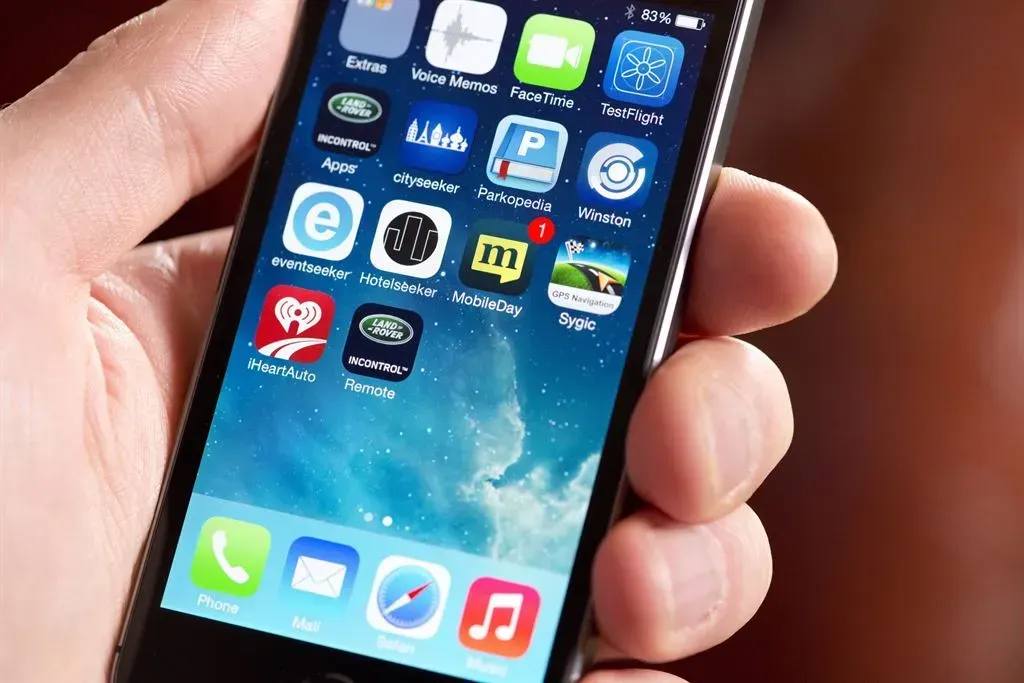
It’s common for older users to let their phone or computer accumulate hundreds of unused apps, old photos, and duplicate files, rarely deleting anything because storage feels like a scarce resource. This mindset likely dates back to earlier computing eras when storage space was genuinely limited and expensive, making deletion a habit born of necessity that never quite faded.
Gen Z, growing up with cheap cloud storage and terabyte-sized phones, treats digital clutter differently, often deleting apps freely since redownloading takes seconds. Watching a phone struggle to update because it’s packed with years of unused files strikes many younger users as an easily avoidable problem.
9. Announcing "I'm sending you an email" over the phone before actually sending it
9. Announcing "I'm sending you an email" over the phone before actually sending it (Image Credits: Pexels)
There’s a particular boomer habit of calling or texting someone to say an email is on its way, sometimes even before hitting send, treating email almost like a formal letter that deserves advance notice. This reflects an era when email itself was newer and less instantaneous in feel, so a verbal heads-up added a layer of reassurance that the message would actually arrive.
Gen Z, who often treats email as just another instant notification alongside texts and app alerts, finds the pre-announcement redundant since the email typically arrives within seconds anyway. The habit isn’t wrong, just a holdover from a time when digital communication felt less immediate and more ceremonial than it does today.
These habits aren’t really about one generation being right and the other being behind. They’re small, visible traces of the decades each group grew up in, shaped by whatever technology felt trustworthy at the time. What looks baffling from one side of the generational gap is usually just muscle memory built during a completely different chapter of the digital world.